Skip Manual Labeling: How You Can Automatically Caption Images with Spacial Awareness for Any Product
Automate image captioning with spatial awareness using AI models, transforming tedious tagging into an efficient pipeline for product images.
Have you ever stared at thousands of product images, dreading the manual labor of tagging each one for AI training?
Capturing every nuance by hand is a daunting (and expensive) task.
Yet structured annotations are the lifeblood of machine learning.
The rule is simple: garbage in, garbage out.
A high quality image caption needs to capture:
That's exactly where our client found themselves - facing 10,000+ images of custom textured walls that needed precise labeling for fine-tuning a diffusion model.
Using a combination of Florence 2, GPT-4o Vision, and the Instructor library, you'll see how to build a reliable system that:
Best of all? We did it without any custom models or infrastructure.
Here's the complete technical breakdown of how we turned a month-long manual process into an automated pipeline that runs in hours.
The Challenge: Scaling Beyond Manual Labeling
When you're training a diffusion model, the quality of your training data is everything.
Our client, M|R Walls, a company that manufactures custom textured walls, needed to capture:
The Problem with Manual Labeling
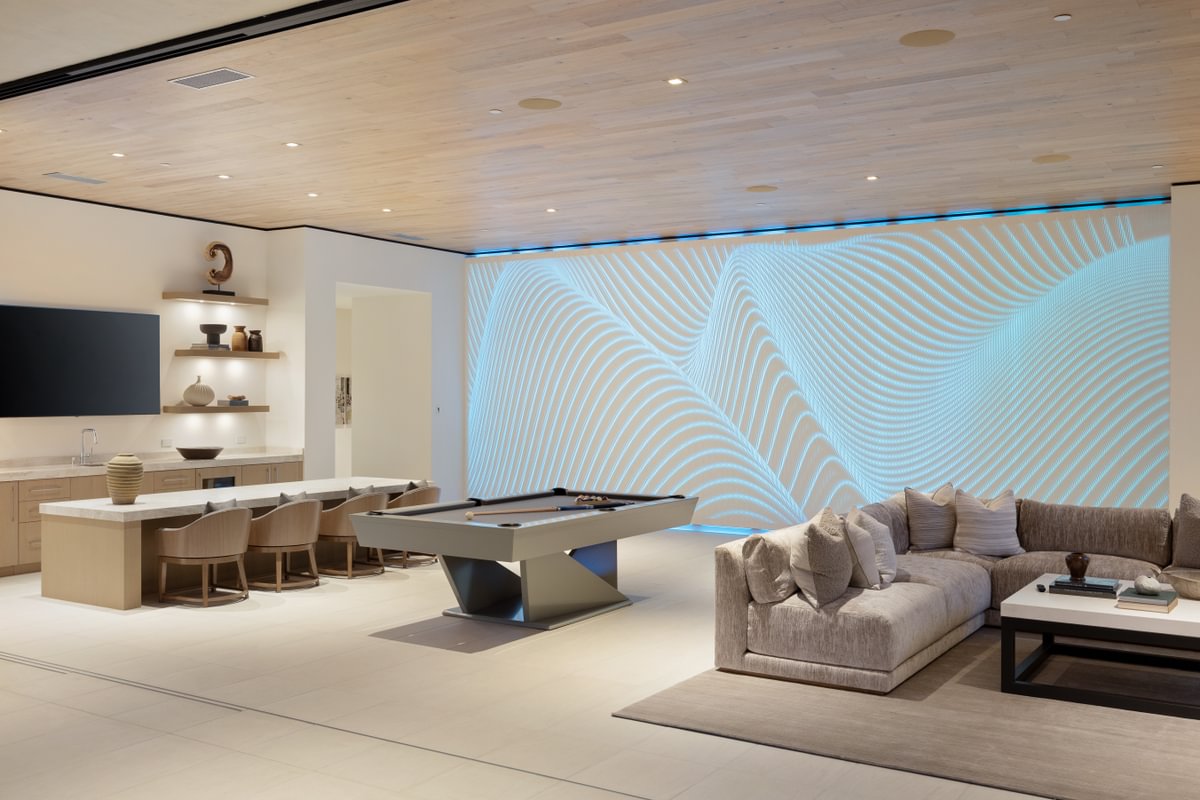
Manual image labeling seems straightforward until you start capturing all the critical details that matter for model training:
Context Ambiguity
Detail Complexity
Resource Intensity
When you're dealing with an experimental project, committing substantial resources to manual labeling creates unnecessary risk.
This is precisely why we need a more automated approach.
The Solution: A Three-Stage Automated Pipeline
We built a modular pipeline that combines various vision models to automate the entire labeling process:
Let's dive into each component.
I'll help refine this section to be clearer and better structured, leading into the image that will show the bounding box result.
I'll help clean up this section to be more cohesive and flow better.
Stage 1: Automated Wall Detection with Florence 2
First, we need to precisely identify which wall we're interested in.
In scenes with multiple walls and architectural features, this clarity is essential for accurate labeling.
By using Florence 2 through Replicate's API, we can automatically draw bounding boxes around walls of interest - eliminating manual annotation while maintaining precision.
import replicate

TASK_INPUT = "Caption to Phrase Grounding"
TEXT_INPUT_FOR_GROUNDING = "textured_wall"

input_data = {
        "image": data_url,
        "task_input": TASK_INPUT,
        "text_input": TEXT_INPUT_FOR_GROUNDING
    }


output = replicate.run(
    "lucataco/florence-2-large:da53547e17d45b9cfb48174b2f18af8b83ca020fa76db62136bf9c6616762595",
    input=input_data
)
The API returns both coordinate data for the bounding box and a visual representation of the detection:
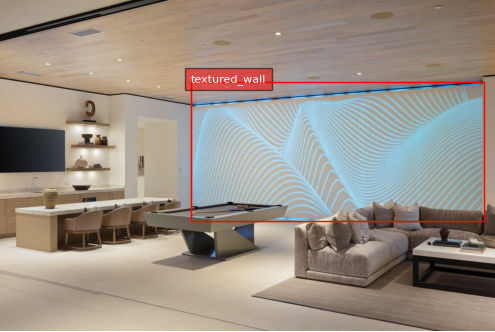
This automated detection provides several key benefits:
I'll help refine this section to better explain the captioning process and structure the information more clearly.
Stage 2: Structured Caption Generation
Once we have identified our target wall through bounding boxes, we need detailed, structured descriptions that capture both the wall's characteristics and its context.
We leverage GPT-4o's vision capabilities with a carefully designed response model to ensure consistent, comprehensive descriptions.
Here's how we structure the captioning system:
See Full System Prompt
# Purpose
You are an expert photographer with 20 years of experience who now works as an AI image captioner for diffusion models.

# Task
Your task is to caption images by describing the scene surrounding the custom textured walls in the images.

# Context
## General
We create custom 3D printed textured walls for various applications (homes, offices, parks,etc).
The walls are printed in a variety of colors and textures with also the option of adding backlights to the walls.
We have a large library of images that show the walls in a variety of applications, but do not have accurate captions for each image
We are wanting to accurately caption each image so that we can use them in training a diffusion model

## Definitions
### Trigger Phrase
- Phrase that *MUST* be in the caption so that the diffusion model generation knows to generate textured walls

### Scene Description
- String value that describes the wall and the surrounding scene

### Wall Color
- String value that indicates the color of the wall
    - This should be a specific color name (e.g. "blue", "green", "red", etc.)
        - Do not say abstract colors like "warm" or "vibrant"

### Camera Description
- String value that indicates the angle of the camera ("front", "sideshot", "close up", etc.)
    - This should be detailed and start directly with the camera description
        - Do not say "The
### Artistic Styles
- A list of string values that indicate the artistic style of the image ("realistic", "cartoon", "art deco", etc.)

### Additional Tags
- A list of additional tags that are related to the image but do not fit in the other categories

### Is Backlit
- Boolean value that indicates if the wall is backlit
    - True if backlit, False otherwise
    - Backlit walls will clearly have a color emminating from the wall

### Backlight Colors
- A list of colors that are emitted from the wall due to the backlit
    - Colors should be in text format (e.g. "blue", "green", "red", etc.)
        - Do not say abstract colors like "warm" or "vibrant"
    - If the wall is not backlit, this should be an empty list


# Rules
## Style and Tone
- Do not use fluffy, poetic language
- Describe the different components of the scene in an objective and unbiased way.
- Do not add subjective judgments about the image, it should be as factual as possible.
    - Personal opinions and non-essential details are avoided, avoid talking about the mood of the scene or what emotions are being invoked.
## Generations
### Scene Description
- The wall is the main focus of the image, so the scene description should start with details of the wall then describe the surrounding scene
- Be very matter of fact in the description
    - Bad Description: "white NAZARE_WALL is featured in an outdoor setting with green shrubs in the foreground and a clear blue sky in the background"
    - Good Description: "white NAZARE_WALL in an outdoor setting with green shrubs in the foreground and a clear blue sky in the background"
    - Avoid fluff phrases like "featured in" or "is featured in"

## Trigger Phrase
- The trigger phrase *MUST* be in the caption

# Input/Output
## Input
- An unedited image of a scene with a custom textured wall
- An image with the walls with bounding boxes drawn around them for reference of where the walls are in the image
- Trigger phrase

## Output
- A full caption for the image that describes the scene surrounding the wall in the image with the trigger phrase

# Instructions
- Look at the images and clearly determine where the walls are, what they look like, and what is around them
- Create a human-annotated detail caption for the image
Response Model
class ImageCaption(BaseModel):
    scene_monologue: str = Field(
        description="An in depth monologue describing the scene surrounding the wall in the image."
    )

    caption_scene_description: str = Field(
        description="""A concise detailed description of the scene surrounding the wall.
                      Must include the trigger phrase.
                      Do not mention the pattern, color, or backlighting of the walls at all.
                      Just describe the scene."""
    )

    caption_wall_color: str = Field(
        description="The color of the wall (e.g. 'blue', 'green', 'red', etc.)"
    )

    caption_is_backlit: bool = Field(
        description="Indicates if the wall is backlit"
    )

    caption_backlight_colors: list[str] = Field(
        description="""A list of colors that are emitted from the wall due to the backlit.
                      This should be an empty list if the wall is not backlit."""
    )

    caption_camera_description: str = Field(
        description="A concise description of the angle of the camera (front shot, side shot, close up, etc.)"
    )

    caption_artistic_styles: list[str] = Field(
        description="A detailed list of artistic styles of the image"
    )

    caption_additional_tags: list[str] = Field(
        description="A detailed list of additional tags that are related to the image but do not fit in the other categories"
    )

    @field_validator("caption_scene_description")
    @classmethod
    def validate_trigger_phrase(cls, v):
        if TRIGGER_WORD not in v:
            raise ValueError("Scene description must contain the trigger phrase")
        return v
Returned Object
caption = ImageCaption(
    scene_monologue="A modern living room features a textured wall as the focal point. The space is well-appointed with a pool table in the center, a large sectional sofa, and a dedicated bar area. The wall is illuminated with blue backlighting that adds ambient lighting to the entertainment space.",

    caption_scene_description="NAZARE_WALL in a modern living room with a pool table, sectional sofa, and bar area",

    caption_wall_color="white",

    caption_is_backlit=True,

    caption_backlight_colors=["blue"],

    caption_camera_description="front shot",

    caption_artistic_styles=["realistic", "modern"],

    caption_additional_tags=["living room", "pool table", "sectional sofa", "bar area", "entertainment space"]
)
We can then format this object into a string caption that can be used for model training or generation tasks.
Formatted Caption
white NAZARE_WALL in a modern living room with a pool table, sectional sofa, and bar area, blue backlighting, front shot, realistic, modern, living room, pool table, sectional sofa, bar areaThis structured approach ensures we capture all crucial elements:
Stage 3: Dataset Expansion through Augmentation
One of the biggest challenges in training specialized models is limited training data.
When dealing with custom products like textured walls, gathering hundreds of diverse images isn't always feasible.
This is where intelligent data augmentation becomes crucial.
Our pipeline leverages several augmentation techniques to expand the dataset while maintaining labeling accuracy:
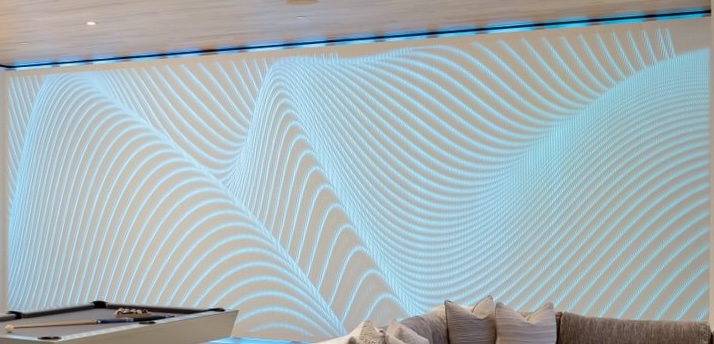
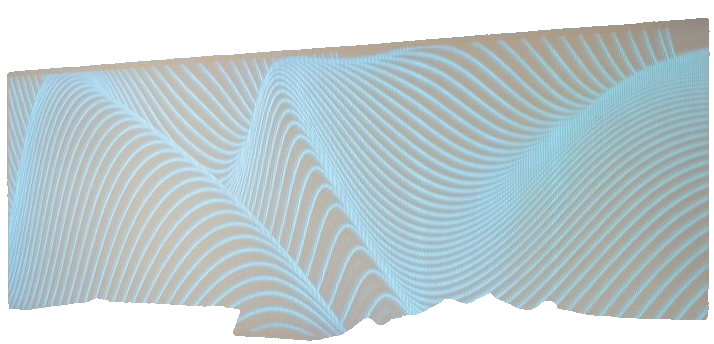
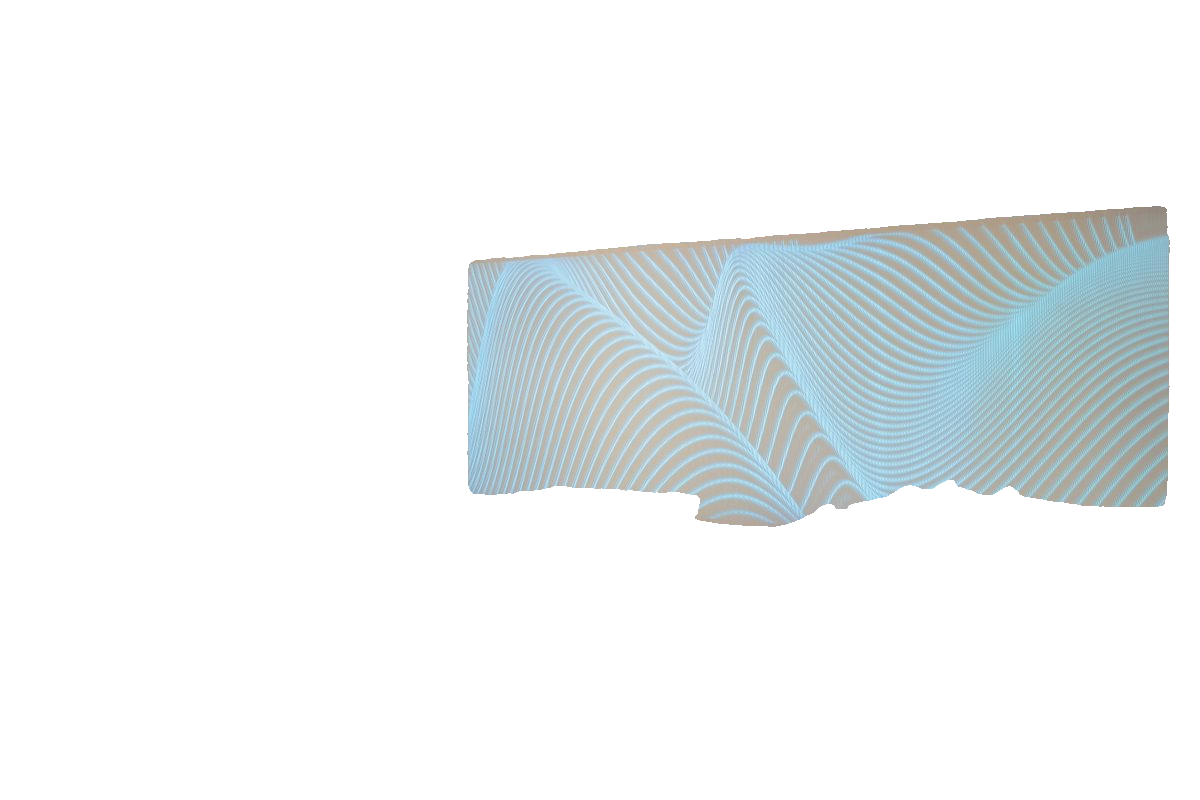
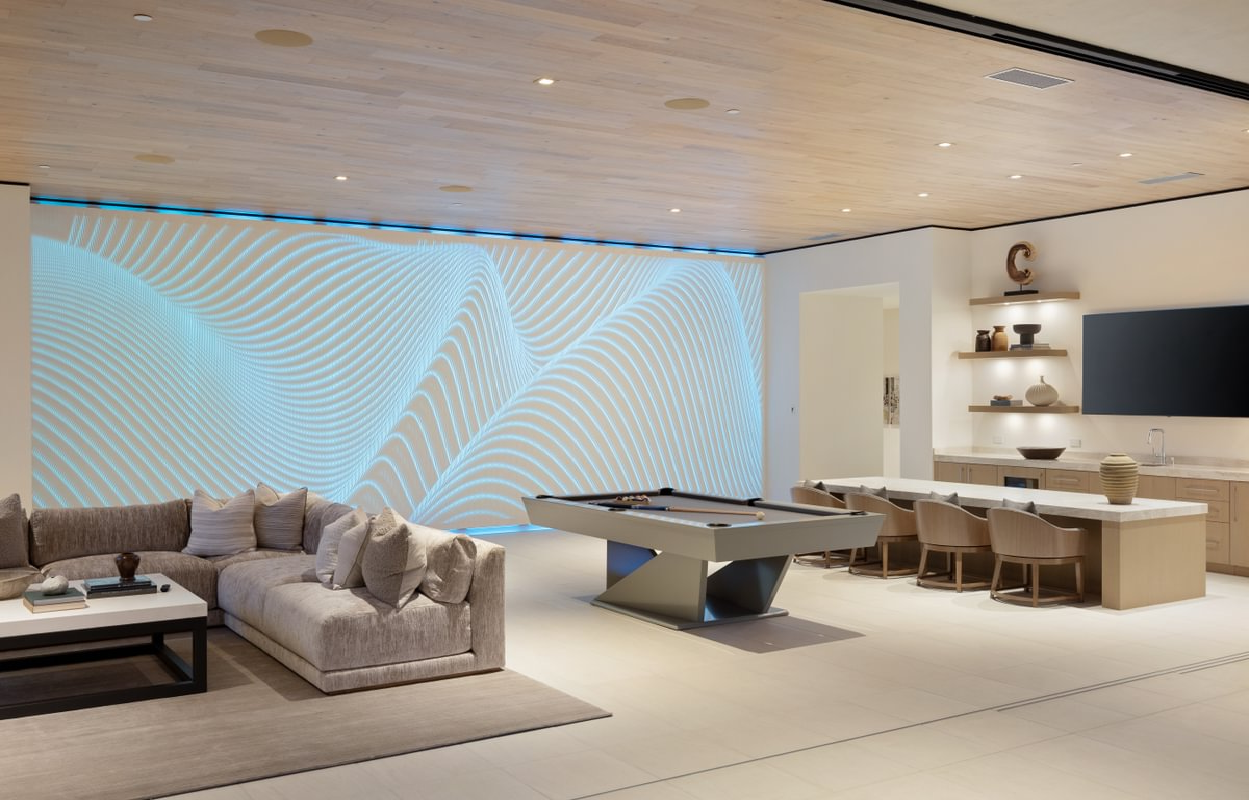
Augmentation Techniques:
The beauty of this approach is its scalability - since we've automated the detection and captioning pipeline, we can apply unlimited augmentations to multiply our training data.
This is particularly valuable for clients with limited original images due to product complexity or early-stage development.
Results: From Weeks to Hours
From doing an easy Flux Fine Tune on Replicate to a full custom model, the results were immediate.
I'll help refine this final section to emphasize the key achievements and practical impact.
Results: From Weeks to Hours
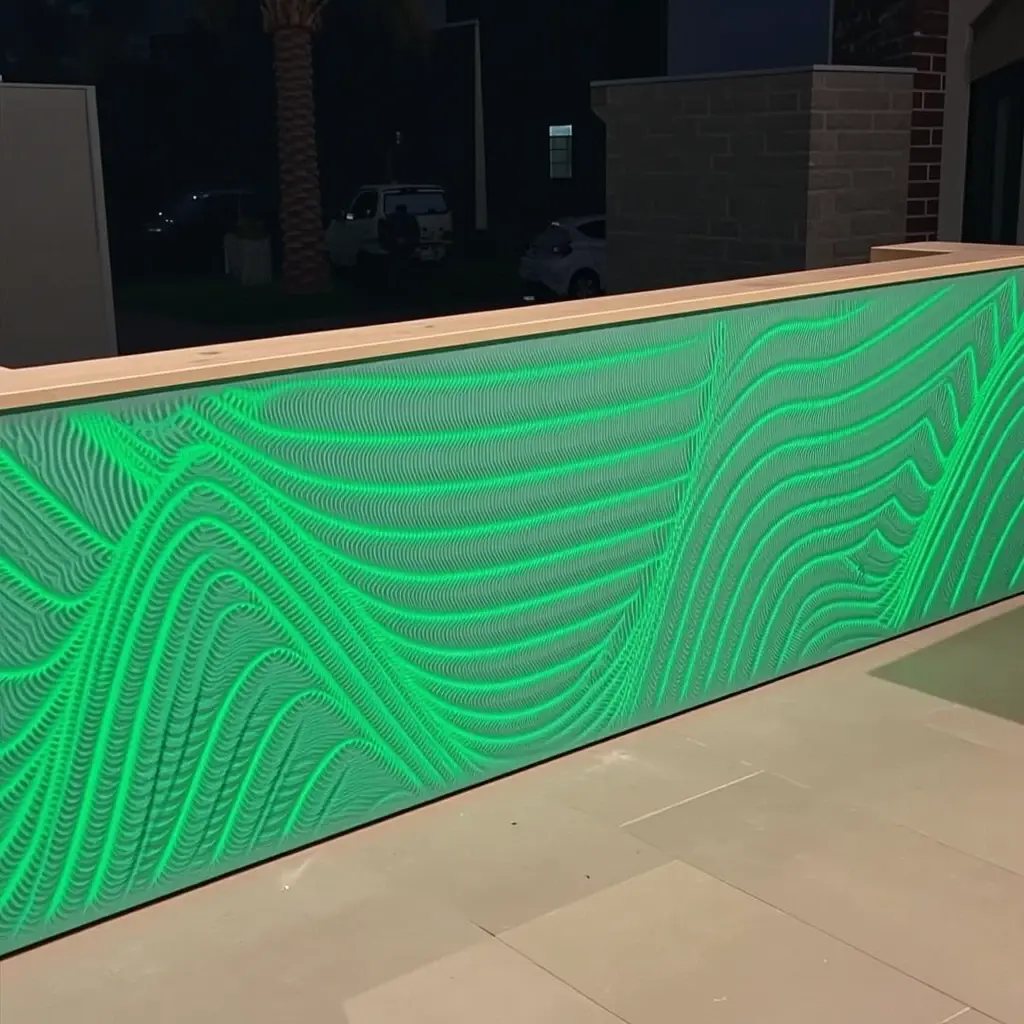
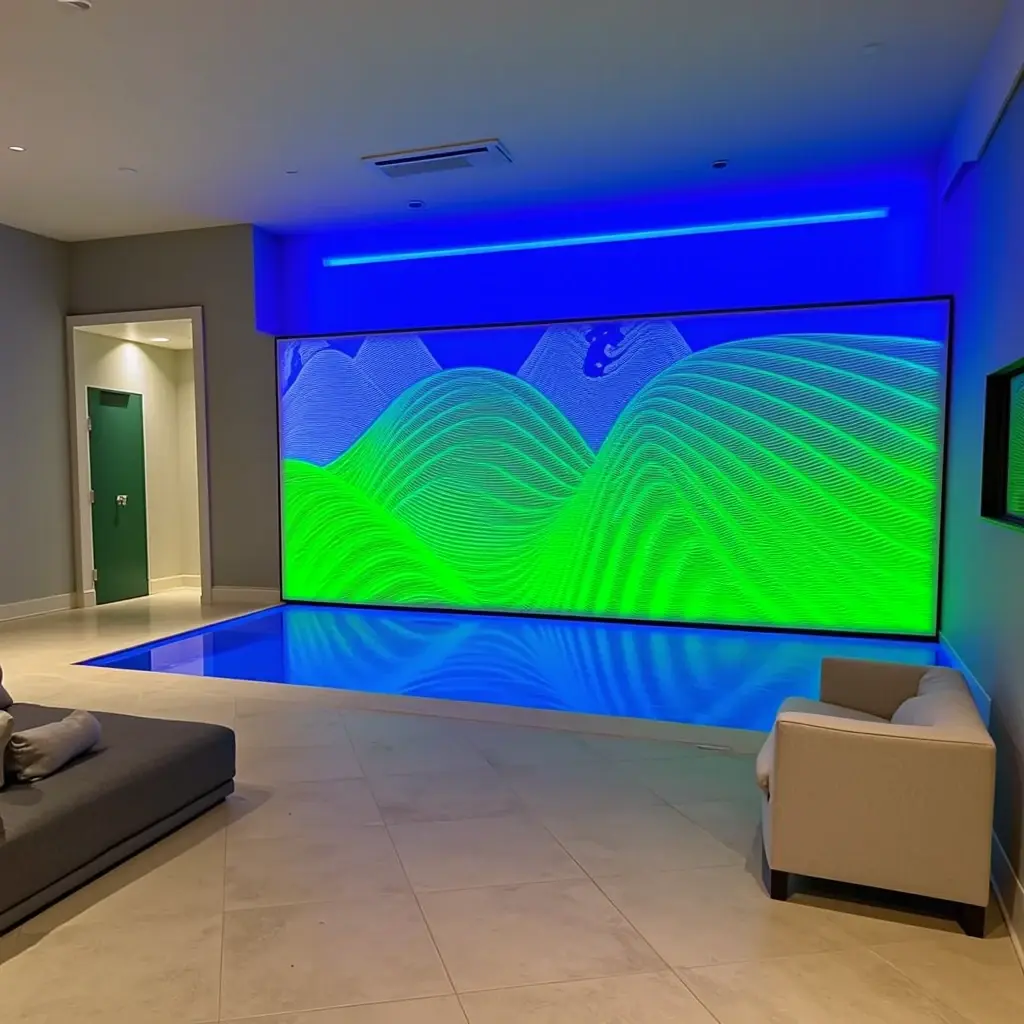
After implementing our automated pipeline, fine-tuning was straightforward using Flux on Replicate.
The results speak for themselves:
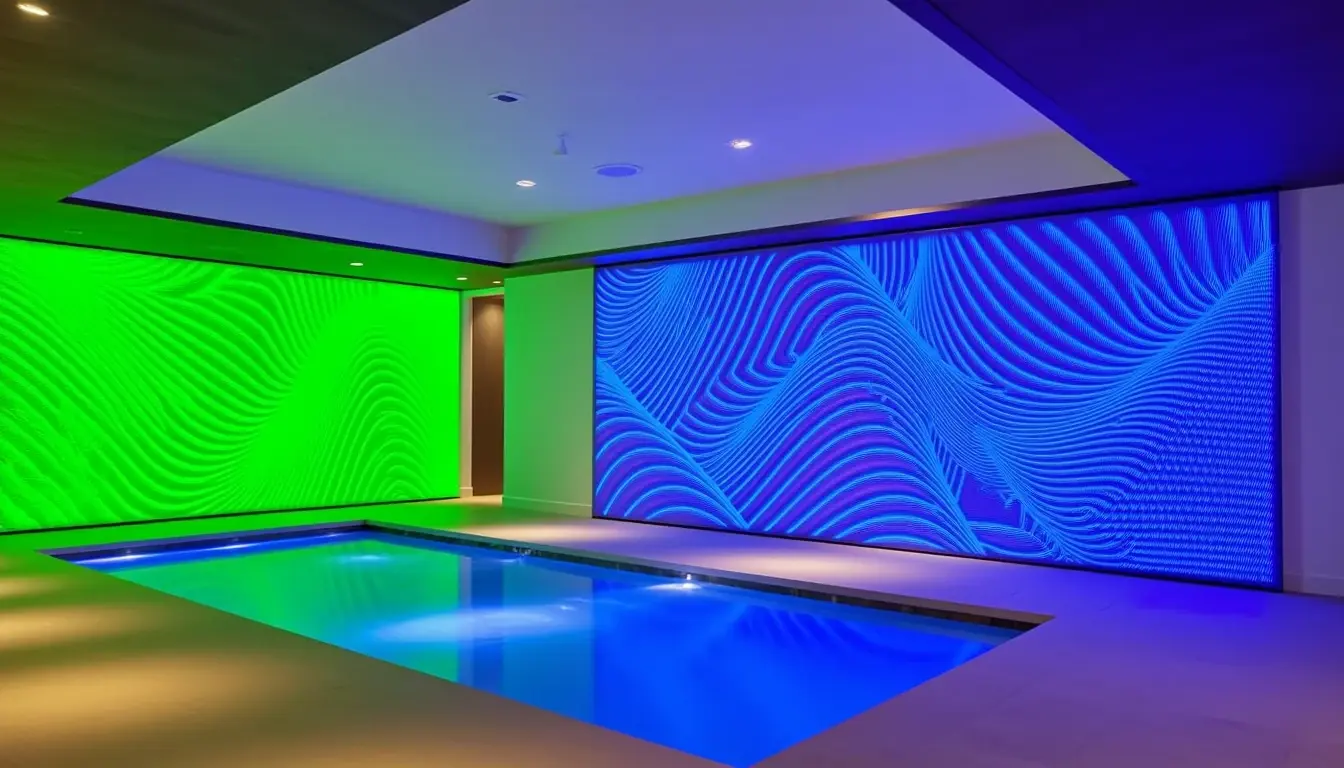
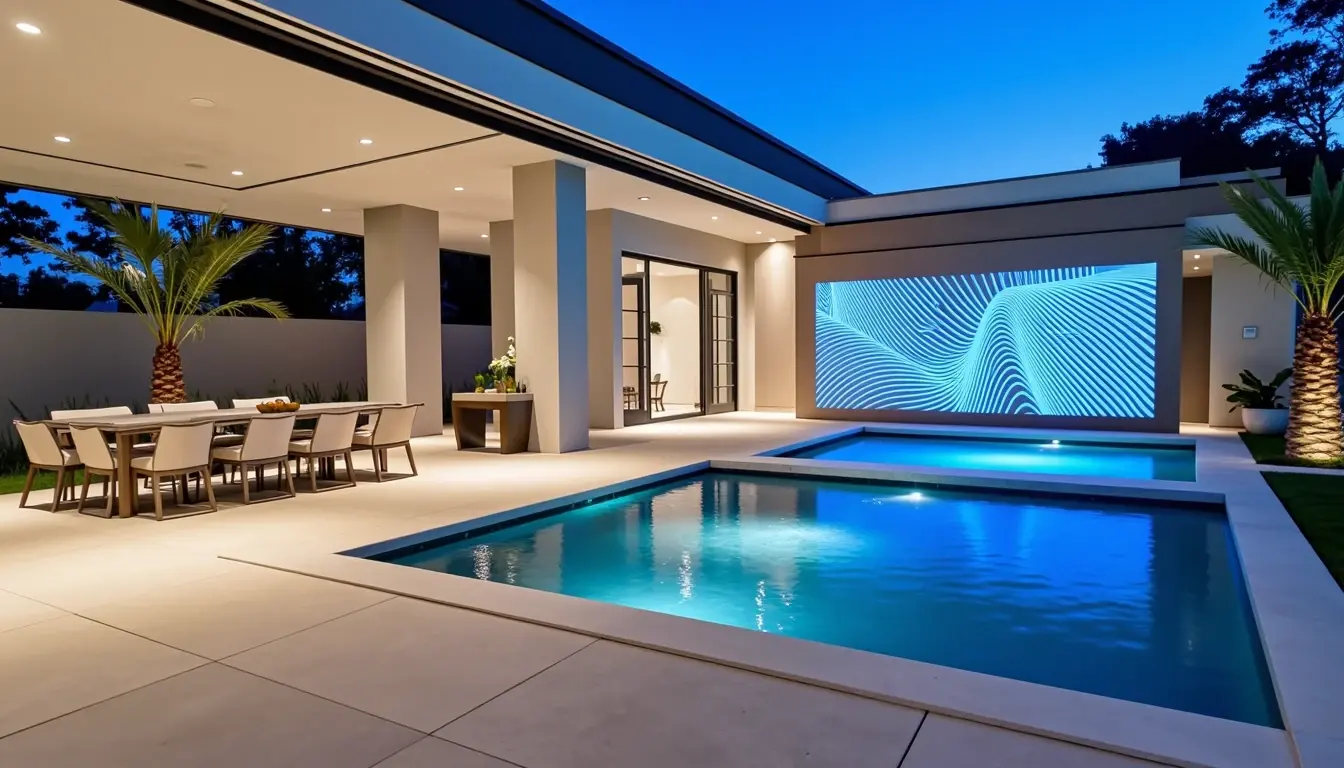
The impact of automation transformed the entire process:
Dramatic Time Savings
Enhanced Data Quality
Scalable Dataset Creation
Most importantly, this pipeline makes advanced image labeling accessible to teams of any size.
Whether you're working with 50 images or 5,000, the process remains just as efficient and consistent.
Ready to Scale Your AI Pipeline?
Building efficient AI pipelines isn't just about the code. It's about finding smart ways to automate tedious processes while maintaining quality.
If you enjoyed learning about this automated approach to image labeling, you'll love what's coming next.
I regularly share detailed breakdowns of:
Don't miss out on future technical deep dives like this one.